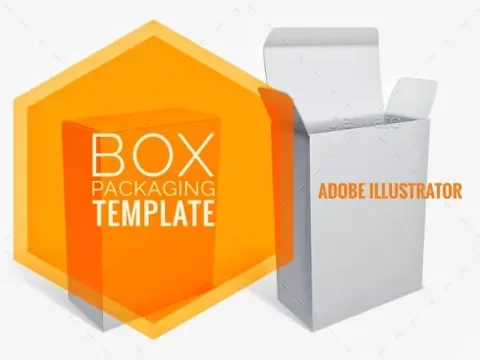
Previously a friend asked, how to create box packaging in Illustrator. So we try to make a very basic way to make a box packaging using Adobe Illustrator CC. Based on a typical rectangular box shape as white box image shown above, here is the video tutorial.
Please set the video to play in HD quality to clearly see the tools and the menu used.
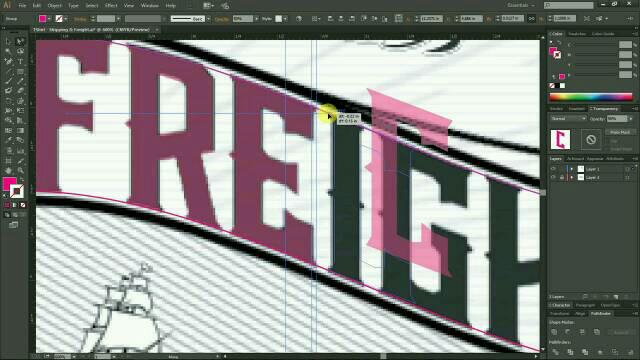
This simple tutorial we manage to capture on how to create round text for one of our clients. Sorry for the silent video :D
Watch it in HD quality to follow step by step.. feel free to ask anything related to the tutorial title in the youtube comments or in the comment box below. Remember to subscribe the youtube channel too.. enjoy..
Dealing with artwork tracing from jpeg image to vector, such as trace logo from jpeg image is common to graphic or visual designer. The real problem that we, as designer often facing are not the complicated artwork itself, but to find the correct font used in the artwork.
Let say a client request to vectorise a logo(to convert or trace from jpeg image to vector illustration) for their company or product, when the owner of the logo itself don't know the font name used in the logo, the designer have to find it out to use the font as the text in the logo artwork.
After hours wasting time searching for the correct font used with negative result, we may end up with a decision to trace the font text instead.. and here we share some of our font tracing tips to make the complicated job a bit faster & easier.
Hope you find it useful and can apply for your tracing works. If you have question, you can ask via youtube comment or in the comment box below.. enjoy..
Please subscribe the video channel & remember to share ;)
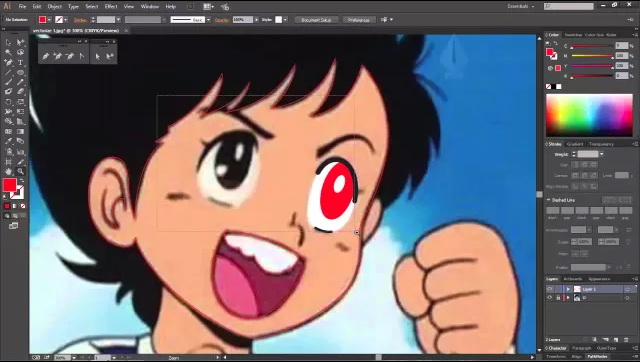
Some user asked us how to draw or we usually say it vectorize jpeg image with Adobe Illustrator. Well we try to do some video tutorials here.. sorry for no audio yet. Next time we will try to add audio features on our next video tuts.
Notice that the image (jpeg) is put on bottom Layer, and lock it to avoid it moved.. and we create new Layer 1 on top of it, make sure to Select this Layer 1 to work on it.
Considering you know how to use Pen Toll, you can see our previous post on how to use Pen Tool tutorial..
Illustrator is a vector drawing program. It is often used to draw illustrations, cartoons, diagrams, charts and logos. Unlike bitmap images that stores information in a grid of dots, Illustrator uses mathematical equations to draw out the shapes. This makes vector graphics scalable without the loss of resolution.
Advantages of vector graphics
Scalable without resolution loss
Lines are crisp and sharp at any sizes
Print at high resolution
Smaller file size
Good for drawing illustrations
Disadvantages of vector graphics
Drawings tend to look flat and cartoon
Hard to produce photo realistic drawings
Common Uses for Illustrator
1. Designing Logos
2. Drawing Maps
3. Drawing Illustrations
4. Artworks & Designs
Next step we'll go through the interface of Adobe Illustrator CS3. Hopefully you're already understand the purpose of Adobe Illustrator and the different compared to Adobe Photoshop.